Roofing Software
Asking Customers for Google Reviews: A Roofer's Simple Process
Learn when to ask roofing customers for Google reviews, what to write in the request, and how to time it after a job so more homeowners follow through.
 RoofPilot3 min read

In this article
Most homeowners check reviews before they call a roofer. A steady stream of recent, honest reviews tells them your crew shows up, cleans up, and answers the phone. The problem is that most small roofing crews never ask. The work finishes, the invoice gets paid, and the truck drives off. Here is a simple way to ask without it feeling awkward.
When Is the Right Time to Ask?
The best time is soon after the customer sees the finished job and feels good about it. For a roof replacement, that is often the day the crew cleans the yard and the homeowner walks the property. For a repair, it can be the day the leak stops after the first storm.
Wait a day or two before the request. Right after a crew leaves, the homeowner may not have seen the full result yet, especially if the roof is still wet from a rain or the gutters are not hung. A short follow-up text two or three days later usually works better than a long email.
What Should the Message Say?
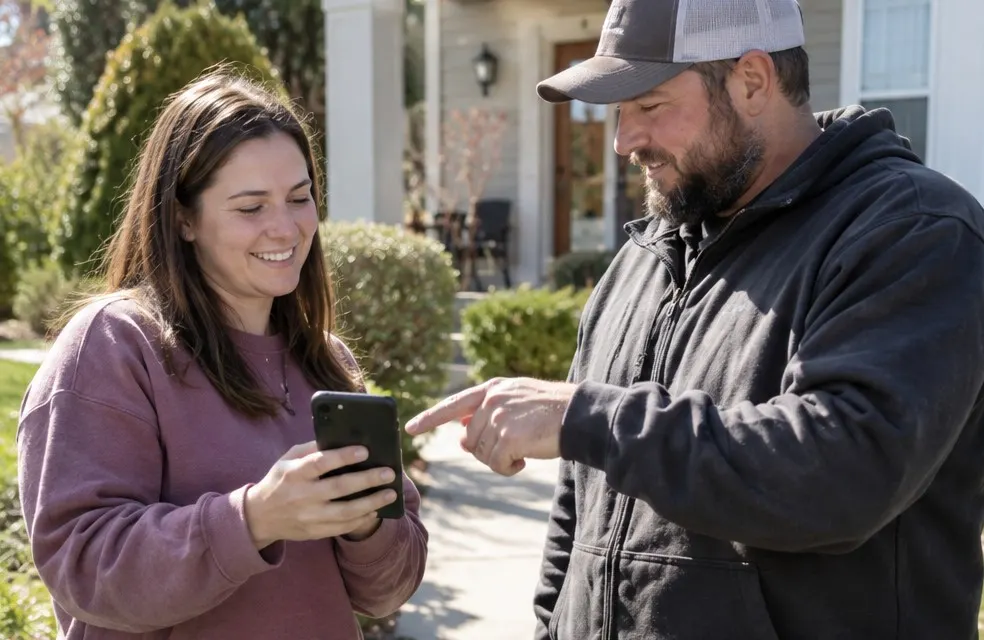
Keep the message short and specific. Name the job, thank the customer, and give one direct link to your Google profile. Customers are more likely to write a review when the ask is clear and easy.
A good message sounds like this: thanks for trusting us with your roof, if you have a minute, a short review on Google helps neighbors find us. Avoid templates that sound like a form letter. Use the customer's first name and the actual job, like a standing seam metal roof or a repair after hail.
How Do You Keep Requests Honest?
Do not offer discounts, gift cards, or free work in exchange for a review. Google does not allow incentivized reviews, and a rewarded review also tells readers less about the job. Ask every customer the same way, not only the happy ones. Filtering who gets asked can lead to a profile that looks staged, and it can get your listing flagged.
If a customer has a complaint, handle it first. A fair fix on a warranty repair or a missed cleanup will often lead to a fair review later, and it is better than a quick request that leaves a sore spot unanswered.
What Does a Simple Process Look Like?
Small crews do not need a complicated system. They need a repeatable routine that runs every time a job closes. Here is a checklist that most owners can set up in an afternoon:
- Save your Google review link on your phone and in your invoice template.
- Send the same short request two or three days after the final walkthrough.
- Use the customer's name and the actual job type in every message.
- Send one friendly reminder about a week later, then stop.
- Log who was asked and who replied so you do not ask twice.
- Reply to every review, good or bad, within a few days.
- Never offer anything of value in exchange for a review.
If your office is one person and a phone, a missed call can also cost reviews. A customer who calls with a question and gets voicemail may not come back to leave feedback. An AI receptionist can answer after hours for storm and leak calls, so the next homeowner gets a real response instead of a dead end.
What Can Go Wrong?
The most common problem is waiting too long. If you ask a month after the job, the customer has forgotten the crew's name. The second problem is asking too many times. One reminder is fair, and more than that can annoy people and lower trust.
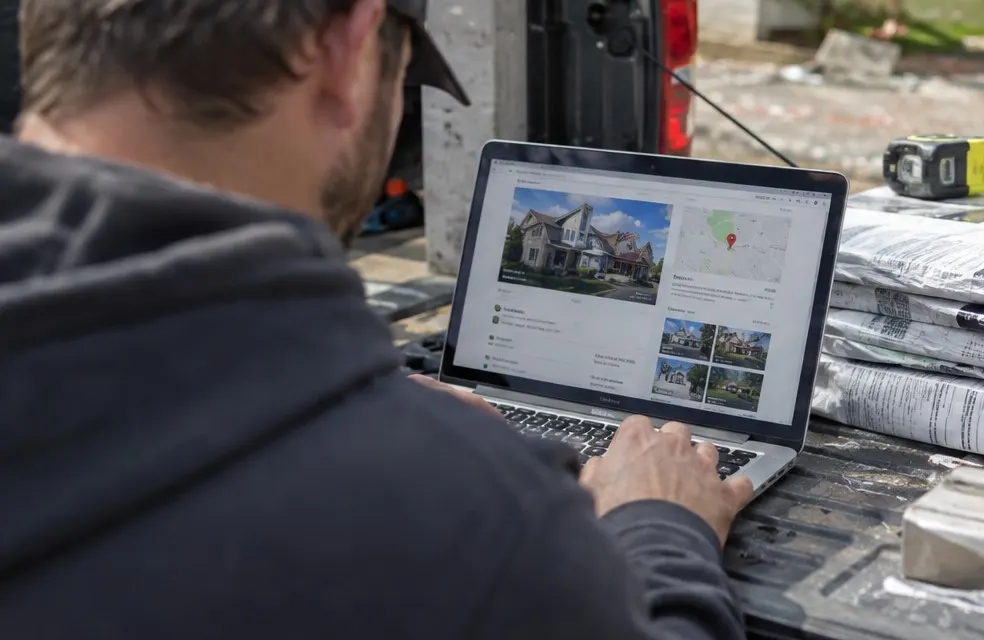
Another problem is losing track. Without a simple log, owners often forget which customers were asked and which were not. A basic spreadsheet or a field in your job software is enough. RoofPilot combines invoices, inspection booking, and a roof replacement calculator built from the satellite map, so the job record already exists when it is time to send the request.
If you want to see how review requests fit into your estimates, invoices, and after-hours calls, request an estimate and we will walk through your current process with you.